

Authentication
Wavelength supports flexible sign-in options so your team can log in the way that fits your existing identity setup. You can sign in with Google via OAuth for one-click access using your existing Google account, no separate password required. For organizations with centralized identity management, Wavelength supports Single Sign-On (SSO), letting your team authenticate through your company’s identity provider. Email and password login is also available for teams that prefer it, with self-serve password reset built in.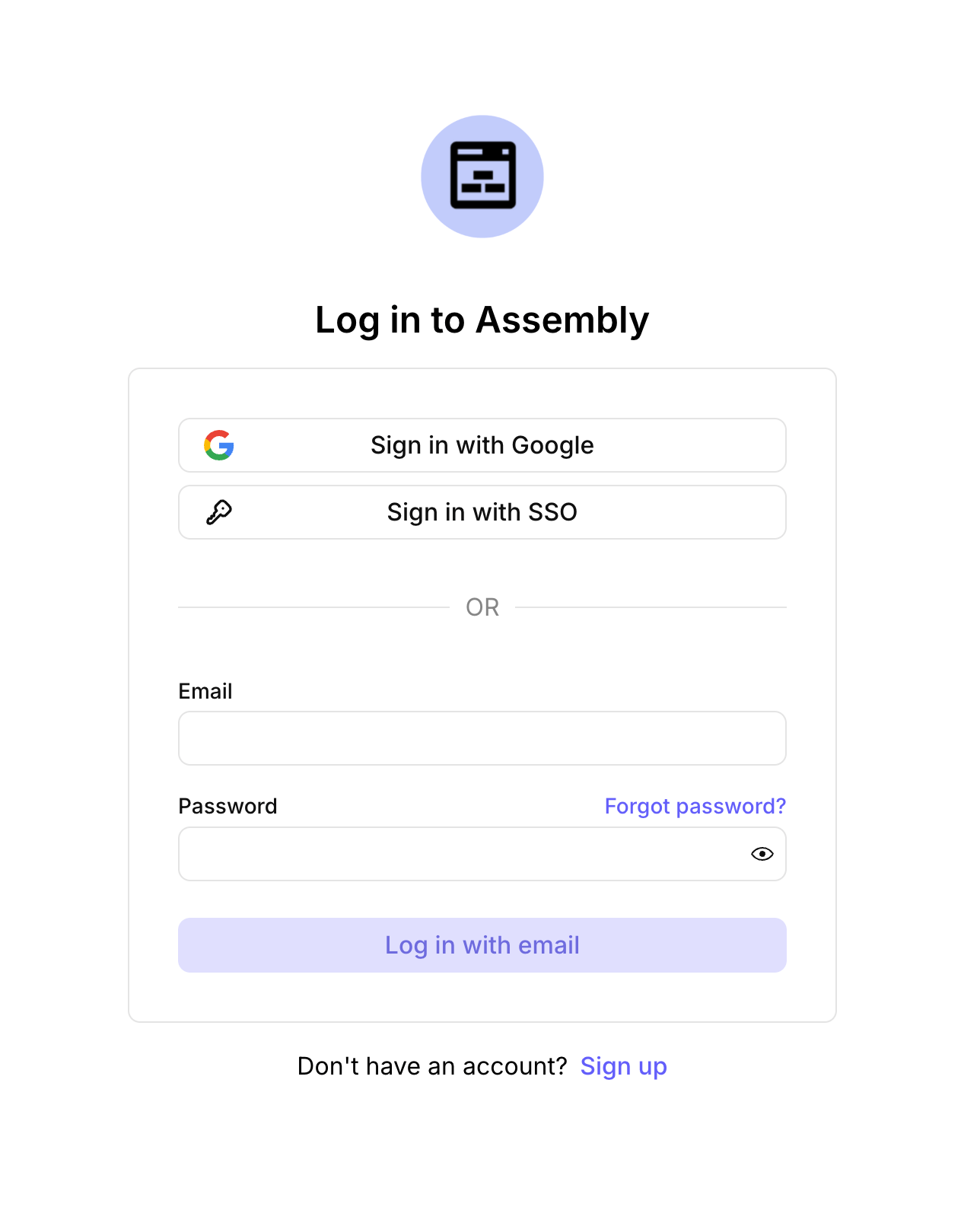
Creating an Organization
After you sign in for the first time, you’ll be prompted to create an organization or join an existing one. To create a new organization, enter an organization name — this is visible to other users in your organization and anyone you invite.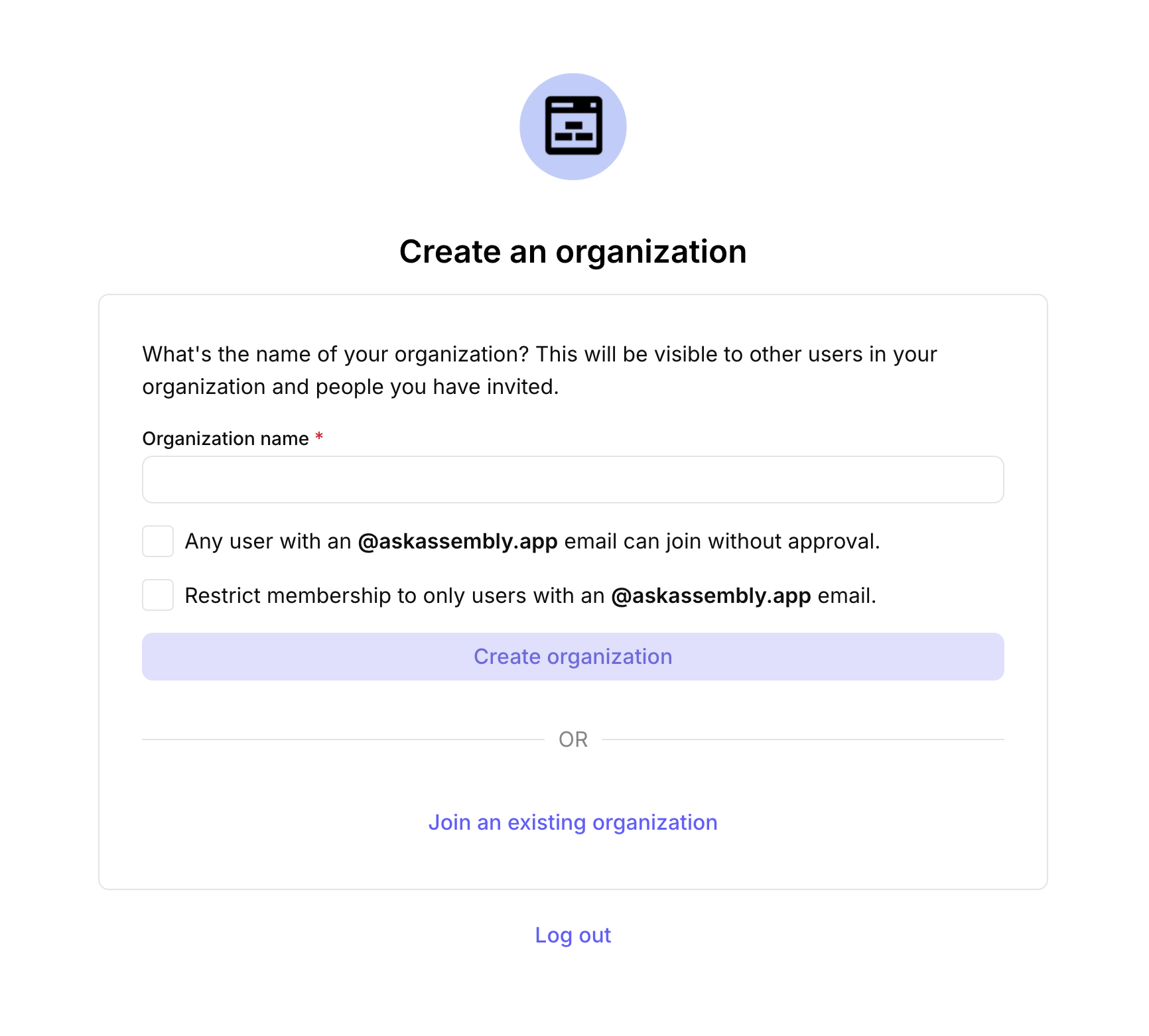
- Any user with an [company] email can join without approval — lets anyone with a matching company email domain join your organization automatically, no invite required
- Restrict membership to only users with an [company] email — locks membership to your company’s email domain, preventing outside users from joining