> ## Documentation Index
> Fetch the complete documentation index at: https://docs.askassembly.app/llms.txt
> Use this file to discover all available pages before exploring further.
# Alerting
> To set up slack notifications for new support requests, issues that have been updated by customers, and to avoid breaching SLA’s, navigate to the Alerts page underneath preferences
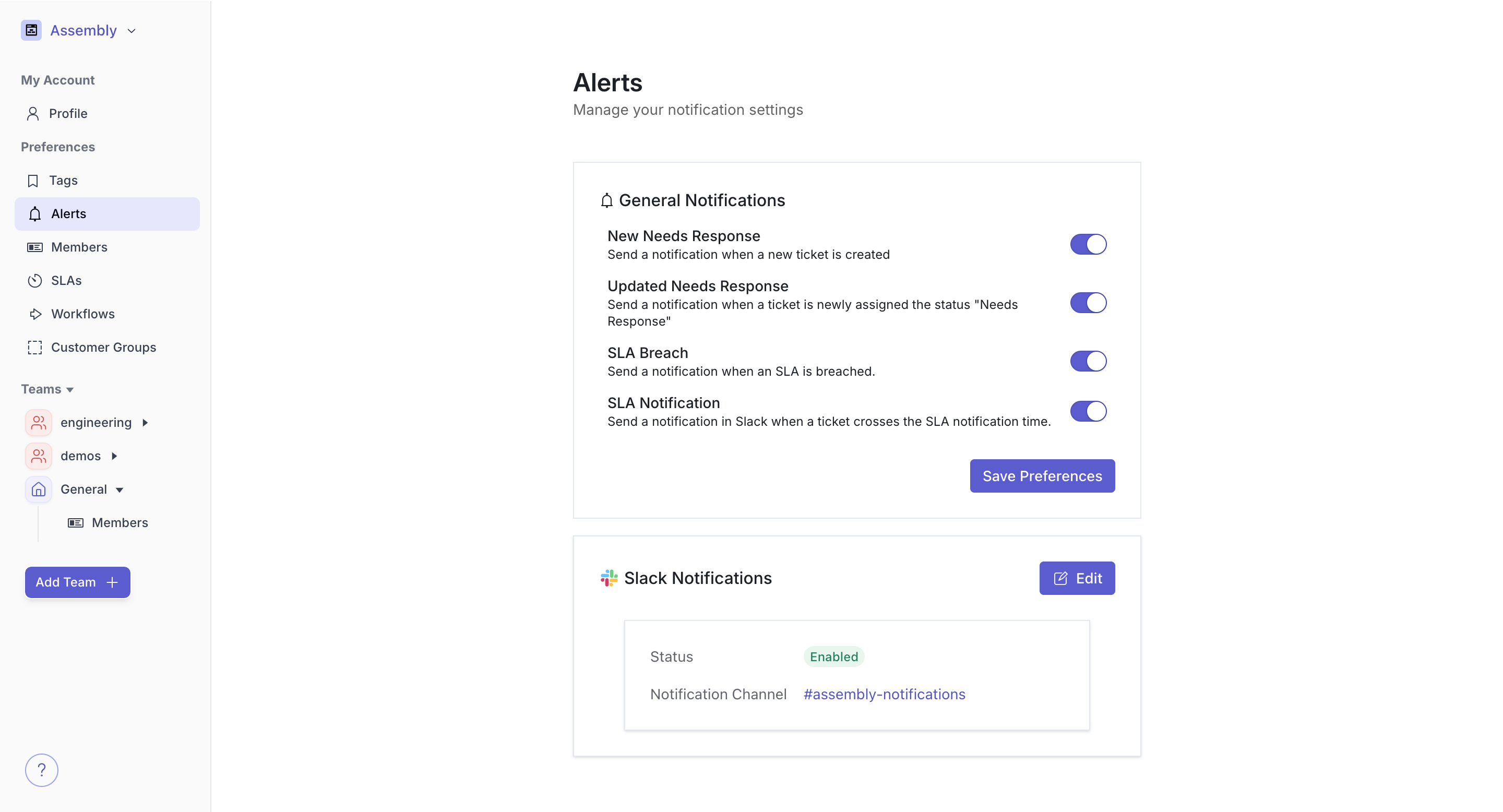
You can customize what kinds of requests you would like to receive notifications for. To select which slack channel to funnel these notifications, hit the enable notifications toggle at the bottom of the page and choose a channel.
We recommend that you create your own “assembly-notifications” channel to keep support requests separate from other notifications in slack.