> ## Documentation Index
> Fetch the complete documentation index at: https://docs.askassembly.app/llms.txt
> Use this file to discover all available pages before exploring further.
# Teams
> Support ticketing in Assembly is made up of “inboxes”, which are team based or private to you. During setup, you must create at least one team (typically a “general team”) which will have access to the “all Issues” inbox.
### Team Setup
If you have more than one team, you may create them here : Dashboard > Preferences > on the left hand sidebar:
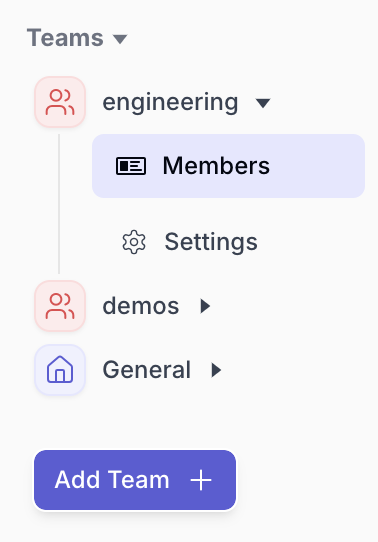
Once a team has been created - you’ll need to assign accounts the team has access to under its settings page. All new incoming tickets will be synced to each team accordingly.
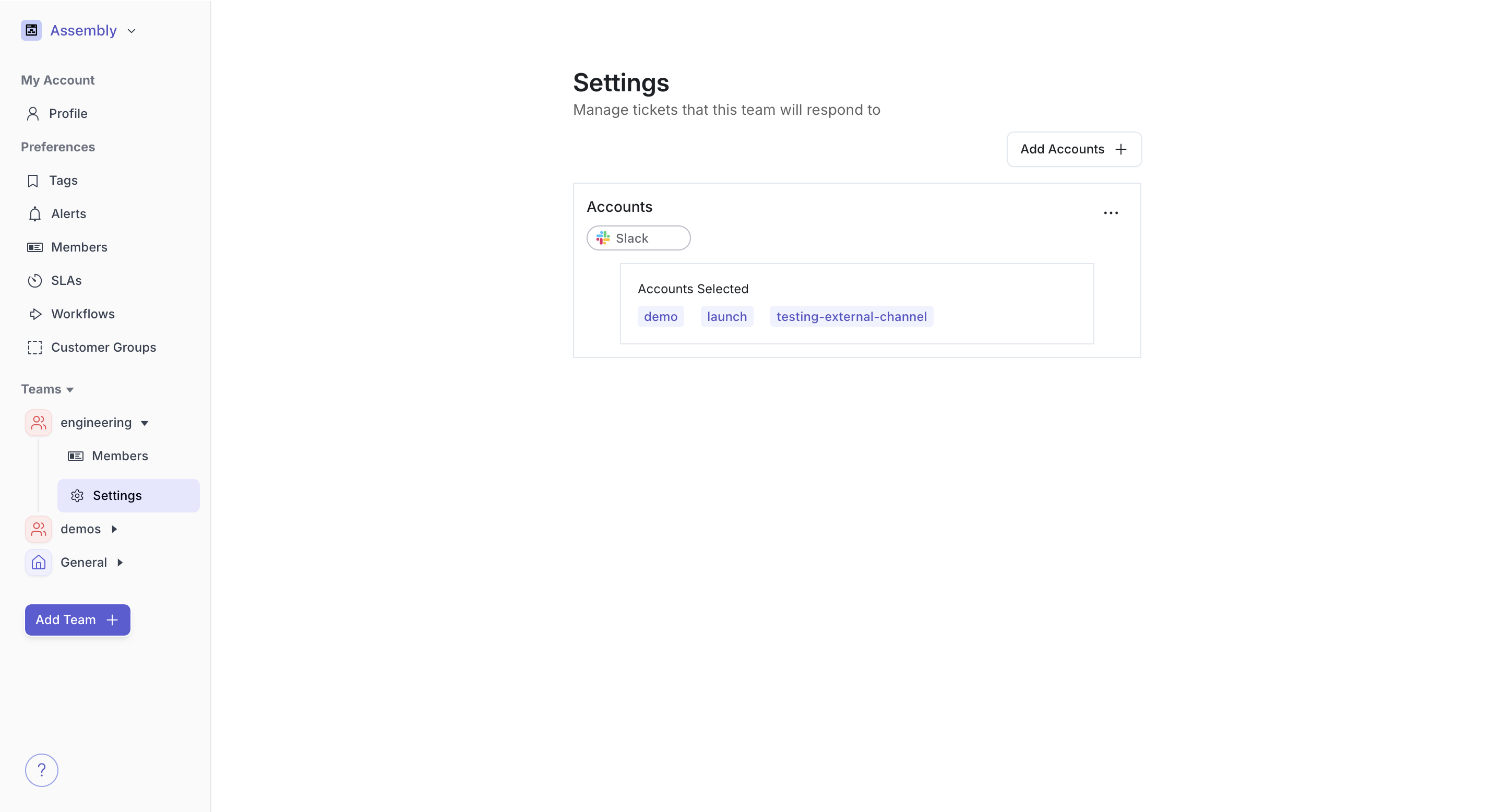
Once created, each individual team will be able to see their own inbox, assign tickets to team members, create their own SLA’s & tags, and more.
#### General Team
The General team on the left hand sidebar represents the home of Assembly. All issues can be viewed here, setup, overarching analytics and companies. Each team serves as a subset of issues of the General team.
Each remaining team contains the interactions for the accounts assigned to the team. This will also start to contain team-based Analytics and Product Insights.